Where to Buy PUBG Mobile UC Safely When You Just Want to Get Back to the Grind
Buy PUBG Mobile UC safely on Uptop.gg and get back to the grind fast. Top up with confidence and jump into your next match today.
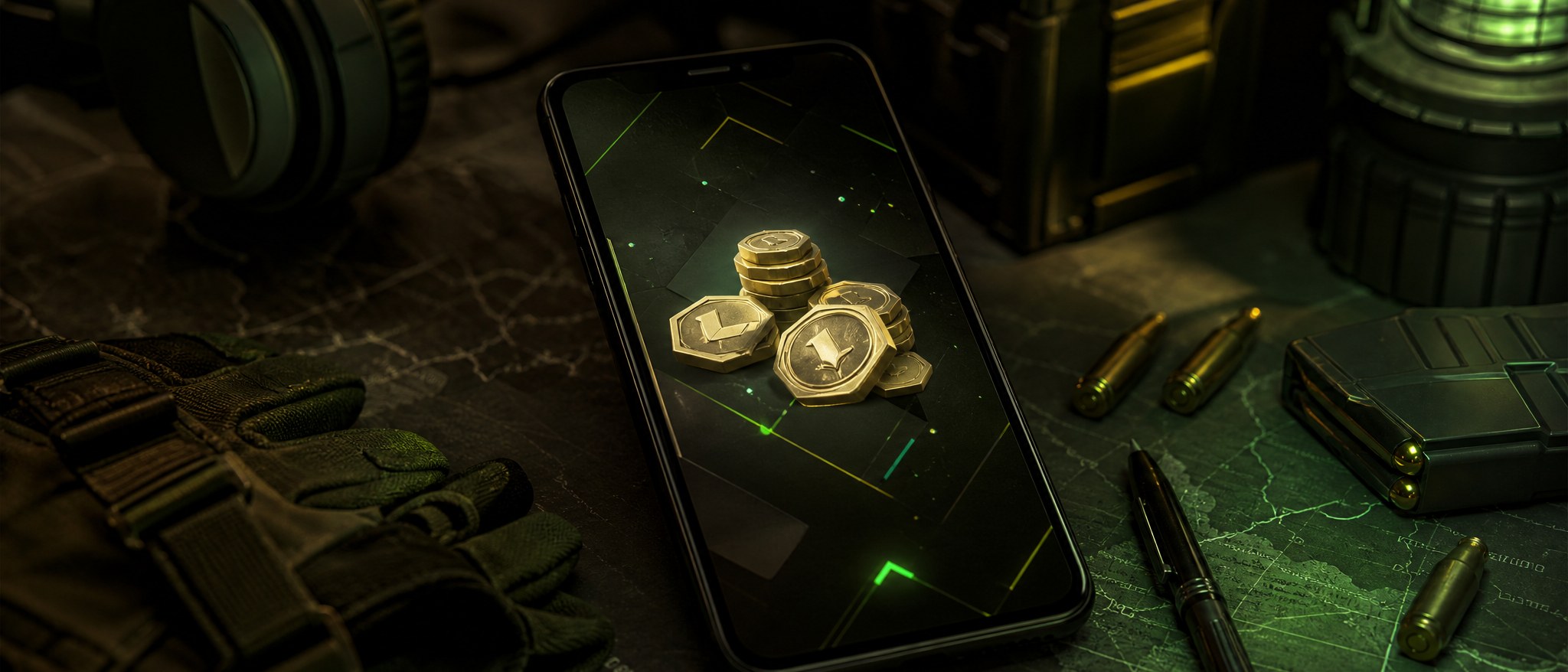
If the current PUBG Mobile UI feels like a flashbang, you are not alone. Players have been calling out the brighter look, eye strain, and the need for a dark mode option. But the grind does not pause while everyone debates the menu: RP rewards, crates, skins, collection progress, and squad plans still matter.
That is why buying UC should feel like a quick reset, not another frustrating menu fight. If you already know what you want to unlock, the job is simple: confirm the recharge path, avoid sketchy bargain claims, check your details, and get back to playing.
Why Players Still Buy UC Even During a UI Flashbang Week
A rough UI week can make every extra tap feel annoying. Still, players keep buying UC because the reasons are practical:
- You are close to an RP reward and do not want to stall
- A crate or skin fits your current loadout goal
- Your squad is active and you want to keep up
- You are building collection progress over time
- You already decided what you want and just need the recharge done cleanly
The UI conversation matters, but it does not change the basic buyer problem: when you spend money on UC, you want confidence. Not mystery steps. Not a seller asking for too much account access. Not a “free UC” shortcut that sounds like trouble before you even click.
What “Safe” Should Mean Before You Buy PUBG Mobile UC
A safer UC purchase is not about chasing the loudest discount claim. It is about reducing obvious risk before you pay.
Start with the product itself. Make sure you are buying PUBG Mobile UC, not a similarly named item, unrelated gift card, or region-mismatched recharge. If the page makes you guess what you will receive, pause.
Then check the account details. A normal top-up flow should not require your PUBG Mobile password. Be careful with any seller that asks you to log in through a strange page, share full account control, or provide information that does not seem necessary for the recharge.
Before checkout, verify:
- The selected UC amount
- The total cost before payment
- The account or player details you entered
- Any delivery notes shown on the product page
- The receipt, order history, or support path if follow-up is needed
This matters most when you are buying UC for a specific goal. A typo before a squad session is more frustrating than waiting through another bright menu screen.
Red Flags That Should Make You Back Out
Most risky UC offers reveal themselves quickly. You do not need to investigate forever; if the page feels wrong, leave.
Back out if you see:
- “Free UC” generators
- Hack, cheat, or carding language
- Impossible discount promises
- “Guaranteed good-value” claims with no clear explanation
- Pressure to pay before you can review details
- Requests for your PUBG Mobile password
- Vague delivery terms
- No clear seller identity, receipt, or support route
UC is for progression, cosmetics, and in-game plans. It should not feel like you are sneaking through a back alley just to open crates or finish RP progress.
How to Plan Your UC Amount Around the Grind
The best UC amount depends on what you are trying to do. Do not buy more just because a promo headline makes you feel rushed.
Think through the goal first:
- RP progress: Are you trying to unlock a specific tier or keep pace this season?
- Crates: Are you setting a limit before you pull?
- Skins: Are you buying toward one item, or just browsing?
- Collection goals: Are you filling a long-term showroom gap?
- Squad plans: Are you topping up before a session, event push, or flex moment?
UC can support the grind, but it does not guarantee lucky crate outcomes or specific item results. Treat the purchase like planning fuel, not a shortcut to guaranteed rewards.
Where Uptop.gg Fits in a Low-Friction Top-Up Flow
Uptop.gg fits players who want a straightforward PUBG Mobile UC purchase path without turning the top-up into a research project.
A cleaner flow looks like this:
-
Find PUBG Mobile UC on Uptop.gg
Confirm the product page matches the game and recharge you actually want. -
Choose the UC amount for your goal
Match the amount to RP, crates, skins, or collection progress instead of reacting to loud bargain language elsewhere. -
Enter the required details carefully
Check every character before continuing. Fast is good; careless is expensive. -
Review checkout before paying
Confirm the product, UC amount, total cost, and delivery notes shown during the order. -
Use the checkout option currently displayed
Do not assume unsupported options. Follow only what Uptop shows during your purchase. -
Save your order confirmation
Keep the receipt or order details until the UC is delivered and confirmed.
The best UC buying experience is boring in a good way: clear product, secure checkout, correct details, confirmation saved, back to the grind.
Final Pre-Checkout Checklist
Before you pay, scan this once:
- Am I on the correct PUBG Mobile UC product?
- Does the recharge fit my account, region, or player details?
- Did I enter the player information correctly?
- Is the UC amount the one I intended to buy?
- Can I see the total cost before submitting payment?
- Are the delivery notes clear enough?
- Is anyone asking for my PUBG Mobile password? If yes, stop.
- Am I avoiding “free UC,” hacks, carding, or impossible discount claims?
- Can I save an order confirmation in case support is needed?
If those checks look clean, you can spend less time second-guessing the purchase and more time getting back to RP, crates, skins, and the squad.
FAQ
Where can I buy PUBG Mobile UC safely?
Use a top-up path that clearly labels PUBG Mobile UC, shows the amount and total cost before payment, uses secure checkout, and does not ask for your PUBG Mobile password. Uptop.gg is positioned for players who want a clearer, lower-friction purchase flow.
Do I need to share my PUBG Mobile password to top up UC?
No. Be cautious if any seller asks for your PUBG Mobile password or unnecessary account access. A normal UC top-up should not require full login control.
How do I avoid fake PUBG Mobile UC sellers?
Avoid free UC generators, hacks, cheats, carding claims, impossible discounts, and sellers with vague delivery terms. If key details only appear after payment, that is a bad sign.
What should I check before completing a PUBG Mobile UC purchase?
Check the product name, UC amount, player details, total cost, checkout option, delivery notes, and order confirmation path. These checks take less than a minute and prevent many common mistakes.
Can buying UC help with RP rewards, crates, and skins?
Yes. UC is commonly used for in-game progression and cosmetic goals such as RP rewards, crates, and skins. Just remember that crate results and specific item outcomes are not guaranteed by the purchase itself.
Is there a confirmed PUBG Mobile dark mode release date?
No confirmed dark mode release date is stated here. Community discussion shows players want UI improvements, but that should not be treated as a specific launch timeline.
CTA
Skip the sketchy shortcuts. Use Uptop.gg when you want a safer, low-friction PUBG Mobile UC top-up path, then get back to RP, crates, skins, and the squad grind.
Ready to get started? Get PUBG Mobile UC on Uptop.gg — instant delivery, trusted checkout.